Lesson 3 of 22 · ~22 min
HTTP Requests and Responses
Methods, headers, status codes.
HTTP Requests and Responses
Course: Web Application Security
Level: Intermediate
Module: AppSec
Duration: 45–60 min
Learning objectives
- Explain HTTP Requests and Responses the way a junior AppSec engineer would
- Map the idea to login, checkout, or API flows you already use
- Know a safe lab way to observe the issue (Juice Shop / CYNARKS Labs)
- Pass the knowledge check without attacking real sites
1. In one sentence
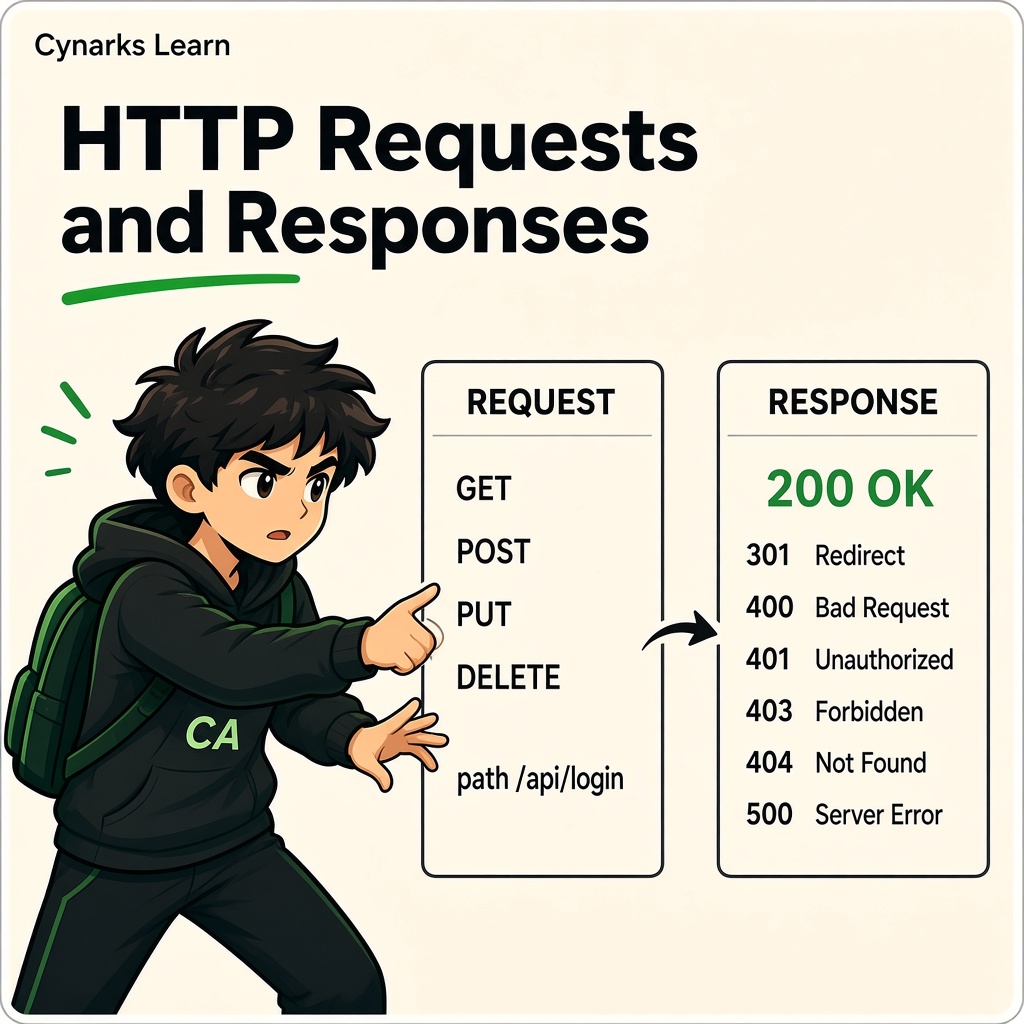
HTTP is the message format: method, URL, headers, body → status + headers + body back.
2. Why it matters (daily life)
DevTools Network tab on Instagram or Gmail shows these messages. AppSec is mostly reading and safely modifying them in a proxy (lab).
3. How it works
Methods: GET (read), POST (submit), PUT/PATCH/DELETE (change). Status: 200 OK, 302 redirect, 401/403 auth, 500 error. Headers carry cookies, content-type, CORS, etc.
4. Real-world / authorized lab example
Login POST with username/password → 302 + Set-Cookie. In Burp lab, you inspect that Set-Cookie.
5. Fix mindset (builders)
Prefer input validation, parameterized queries / safe APIs, least-privilege sessions, security headers, and regression tests. “Patch later” is how IDOR and XSS become incidents.
6. Common mistakes
Ignoring methods; thinking GET can’t be sensitive; no notes on status codes.
7. Practical habit (authorized labs only)
- Reproduce on an intentional vulnerable app in Labs.
- Capture request/response notes (redact secrets).
- Write the fix in one paragraph a developer can ship.
- Retest after the fix — same steps, expect fail-closed.
8. Memory tip
Explain this using Gmail login, Instagram, PhonePe checkout, or a college portal — as a story, without attacking real sites.
 Practice intercepts only on authorized lab apps (e.g. Juice Shop in Labs).
Knowledge Check
Q1. GET vs POST in one line?
A. Test only on authorized lab apps and report clear remediations
B. Probe live banking / college sites without written permission
C. Ignore HTTPS and mishandle sessions on purpose in production
D. Disable logging so findings cannot be traced
Q2. What does 403 suggest?
A. Test only on authorized lab apps and report clear remediations
B. Probe live banking / college sites without written permission
C. Ignore HTTPS and mishandle sessions on purpose in production
D. Disable logging so findings cannot be traced
Q3. Where do cookies often appear?
A. Test only on authorized lab apps and report clear remediations
B. Probe live banking / college sites without written permission
C. Ignore HTTPS and mishandle sessions on purpose in production
D. Disable logging so findings cannot be traced
Answer Key
- A
- A
- A
Lesson Summary
HTTP Requests and Responses is a building block of modern web risk. Learn it deeply; practice only where you are allowed.
Coming next
Continue the Web Application Security syllabus. Keep your proxy pointed at lab targets only.
CYNARKS Academy – Learn to Understand. Practice to Defend.
Never test live PhonePe, Instagram, Razorpay merchant panels, or college portals without written permission.