Lesson 15 of 15 · ~22 min
Password Security and MFA
Credential hygiene that actually works.
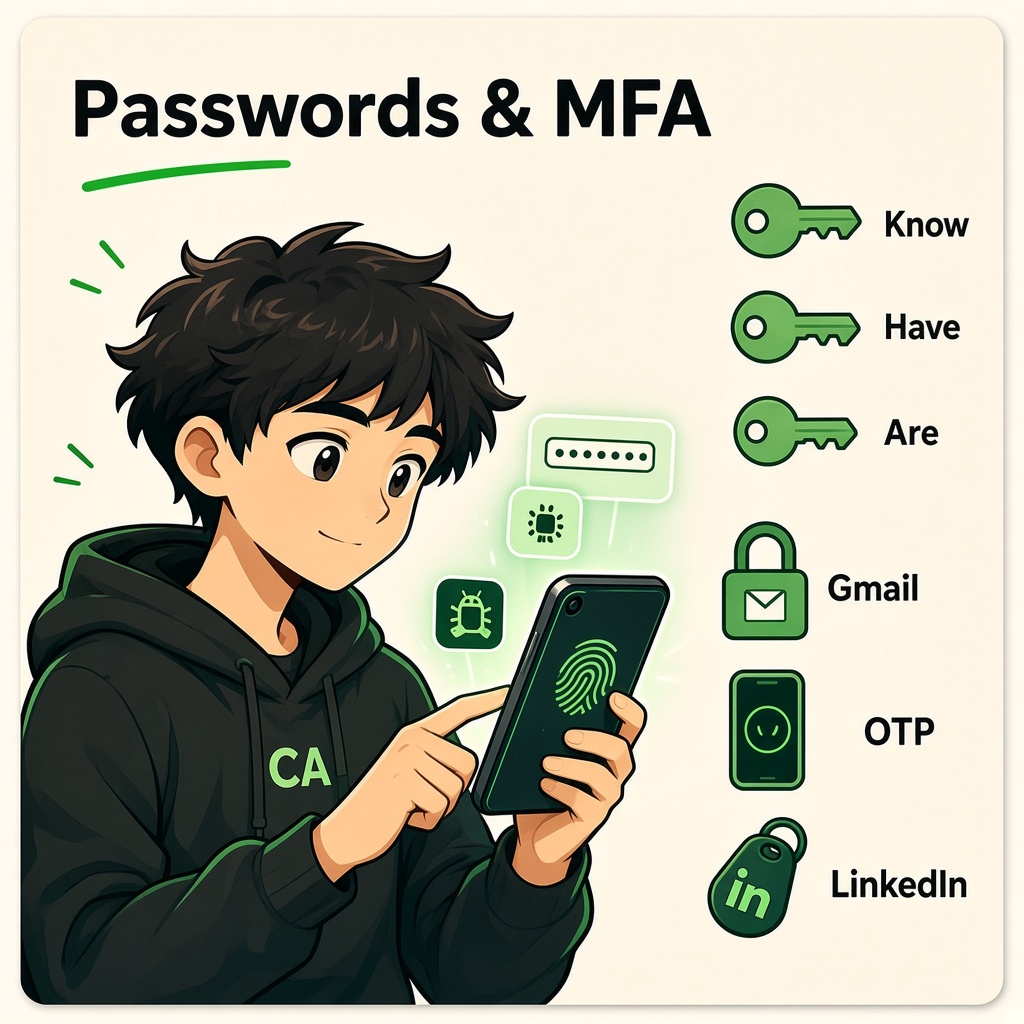
Password Security and MFA
Course: Cybersecurity Fundamentals
Level: Beginner
Topic: Hygiene, Phishing-Resistant MFA, Passkeys, and FIDO2
1. Learning Objectives
By the end of this lesson, you will be able to:
- Apply password hygiene that reduces credential stuffing and reuse harm.
- Prioritize protecting email and identity accounts that reset everything else.
- Compare MFA methods from weakest to phishing-resistant.
- Explain TOTP, push approvals, SMS OTP, and their tradeoffs.
- Describe passkeys and FIDO2/WebAuthn at a user and defender level.
- Recognize phishing and MFA fatigue attacks and how to respond.
- Connect breach case studies to daily habits (managers, unique passwords, MFA).
2. Passwords Are Not Dead — But They Are Never Enough Alone
Passwords remain everywhere because they are cheap and familiar. Attackers exploit:
| Attack | How it works |
|---|---|
| Credential stuffing | Reuse passwords from old breaches on new sites |
| Phishing | Fake login pages harvest passwords |
| Brute force / spraying | Guess common passwords across many accounts |
| Keyloggers / infostealers | Malware reads keystrokes or session cookies |
Defense stack: unique strong passwords (or passphrases) + password manager + MFA + device hygiene.
3. Password Hygiene That Actually Works
3.1 Unique passwords everywhere
If Site A leaks yourpassword, attackers try it on Gmail, Paytm, GitLab, LinkedIn automatically.
Rule: One site → one password (manager-generated).
3.2 Length beats complexity theater
Modern guidance favors long passphrases or random 16+ character strings from a manager.
| Weak | Stronger |
|---|---|
Summer2024! | correct-horse-battery-staple-river-9042 (example style) |
| Reused on 10 sites | Unique 20-char random per site |
3.3 Password managers

Managers store vaults encrypted with your master password + optional MFA.
| Benefit | Caveat |
|---|---|
| Unique passwords per site | Protect master + enable MFA on vault |
| Autofill reduces phishing on wrong domains | Verify domain before approving fill |
| Secure notes for recovery codes | Backup recovery codes offline |
Public incidents involving password managers teach: still better than sticky notes — harden the vault with MFA and updated clients.
3.4 What not to share
CYNARKS never asks for real passwords or OTPs in class. Banks and UPI apps will not ask for PIN via SMS link.
4. Protect Email First
Whoever controls Gmail / Outlook can reset most other accounts.


Priority order for MFA:
- Primary email
- Password manager
- Banking and payment apps
- Work SSO / cloud admin
- Social media with large audiences
5. Multi-Factor Authentication (MFA)
MFA requires two or more factor types (see previous lesson).
| Method | Factor type | Phishing resistance | Notes |
|---|---|---|---|
| SMS OTP | Possession (weak) | Low | SIM swap risk |
| Email OTP | Possession/knowledge | Low | If email compromised, game over |
| TOTP app (Google Authenticator, etc.) | Possession | Medium | Can be phished in real-time relay attacks |
| Push approve (Microsoft, Duo) | Possession | Medium | MFA fatigue — approve spam |
| FIDO2 / passkeys / hardware keys | Possession (cryptographic) | High | Domain-bound, resists replay |
Enable MFA on every service that supports it — start with email.
6. SMS OTP and SIM Swap
SMS codes are better than password alone but vulnerable when attackers port your number via social engineering at carriers.
Mitigations:
- Carrier PIN / port lock where available
- Prefer app or hardware MFA for high-value accounts
- Monitor unexpected loss of mobile service
7. TOTP (Authenticator Apps)
Time-based OTP generates 6-digit codes from a shared secret and clock.
| Pro | Con |
|---|---|
| Works offline | Secret setup via QR — protect during enrollment |
| Widely supported | Real-time phishing proxies can relay codes |
Store backup codes when enrolling — print or keep in secure offline location.
8. Phishing-Resistant MFA: FIDO2 and Passkeys
FIDO2 (WebAuthn + CTAP) uses public-key cryptography bound to origin (website domain).
8.1 How passkeys feel to users
- Register device (phone, laptop, security key) with site.
- Login: biometric or PIN unlocks private key; site verifies signature.
- No shared secret to type — nothing useful for attacker to replay on real site.
8.2 Why phishing-resistant
Fake paypa1.com cannot complete WebAuthn ceremony for paypal.com — cryptographic challenge includes relying party ID.
8.3 Synced vs device-bound passkeys
| Type | Tradeoff |
|---|---|
| Platform passkeys (iCloud Keychain, Google Password Manager) | Convenience, sync across devices |
| Hardware security keys (YubiKey, etc.) | Strongest separation; carry second key for backup |
Use multiple registered authenticators so losing one phone does not lock you out.
9. MFA Fatigue and Push Bombing
Attackers with stolen passwords spam Approve? notifications until user accepts.
Defenses:
- Number matching (enter code shown on screen)
- Context (geo, device) in push apps
- User training: if unexpected, deny and report
- Rate limits and risk-based step-up
10. Account Recovery — Weakest Link
Recovery flows bypass MFA with:
- Backup email
- SMS reset
- Security questions
- Support chat social engineering
Harden recovery options as strongly as login.
11. Enterprise and Work Accounts
Employers may enforce:
- Conditional Access (compliant device required)
- Block legacy auth
- Passwordless + passkeys via Entra ID, Okta, etc.
Twitter / X 2020-style incidents (public reporting) showed social engineering of privileged staff — not just weak phone passwords. Protect help desk, admins, and break-glass accounts with extra controls.
12. Case Study: LinkedIn (2012) and Credential Stuffing
Large password dumps fueled automated login on other platforms where users reused passwords.
Lesson: uniqueness + MFA + breach monitoring (haveibeenpwned awareness).
13. Case Study: SIM Swap OTP Theft
Criminals port victim numbers to receive SMS MFA codes for banking and crypto.
Lesson: prefer non-SMS MFA for financial accounts; carriers should enforce port PINs.
14. Case Study: LastPass (Public Reporting Themes)
Even password manager ecosystems face targeted attacks. Users should:
- Keep software updated
- Use strong master password + MFA
- Rotate critical secrets if advised after vendor incidents
Managers remain superior to spreadsheets for most users.
15. Practical Lab: Harden Your Own Identity (Authorized Accounts Only)
Objective: Improve your accounts — never use classmates’ or synthetic victim data.
Part A — Inventory
- List your top 5 critical accounts (email, bank, work/school).
- Mark which already have MFA.
Part B — Enable MFA
- Enable TOTP or passkey on primary email; save backup codes securely.
- Enable MFA on password manager if used.
Part C — Password audit
- Search email for “password reset” to find forgotten accounts.
- Change any reused passwords to unique manager-generated values.
Part D — Passkey trial
- On a supporting site (Google, GitHub, Microsoft personal), register a passkey on your phone or laptop.
- Document one advantage over password-only in your own words.
Part D — Phishing drill
- Review a legitimate login email vs a simulated phishing indicator list (CYNARKS materials) — identify red flags: wrong domain, urgency, odd attachments.
Do not publish backup codes, OTP seeds, or recovery keys in chat or screenshots.
16. Knowledge Check
Q1. Why is password reuse dangerous?
A. One breach can unlock many accounts via stuffing
B. It makes passwords longer automatically
C. It disables MFA
D. It improves TLS
Q2. Which MFA method is generally most phishing-resistant?
A. SMS OTP
B. Security question
C. FIDO2 passkey / hardware key
D. Email magic link only
Q3. If password is stolen but TOTP MFA is enabled, typical attacker outcome without further tricks is:
A. Guaranteed full access forever
B. Blocked unless they also steal TOTP or use real-time phishing
C. Automatic password reset
D. TLS failure
Q4. You should type your UPI PIN into:
A. Official app only — never an SMS link
B. Any form that says “verify account”
C. WhatsApp messages from unknown numbers
D. Browser extensions from random sites
Q5. Protecting email first helps because:
A. Email resets many other accounts
B. Email replaces need for passwords
C. Email disables malware
D. Email encrypts all files on disk
Q6. SIM swap primarily threatens which MFA channel?
A. Hardware FIDO2 key
B. SMS-based OTP
C. Offline TOTP after setup
D. Biometric on device with no network
Q7. MFA fatigue attacks abuse:
A. Push notification approve spam
B. DNS caching
C. SHA-256 collisions
D. Subnet masks
Q8. A password manager’s master password should:
A. Be reused on social media
B. Be strong and protected with MFA on the vault
C. Be shared with IT via email
D. Be written on monitor
Q9. Passkeys use which cryptographic approach?
A. Shared password stored on server only
B. Public-private key pair per relying party
C. Base64 encoding of PIN
D. MD5 of username
Q10. After enabling MFA, backup recovery codes should be:
A. Posted in team chat
B. Stored securely offline or in encrypted storage
C. Emailed to all contacts
D. Discarded immediately with no copy
Answer Key
- A
- C
- B
- A
- A
- B
- A
- B
- B
- B
17. Lesson Summary
Unique passwords (ideally via a manager) limit stuffing damage. MFA adds a second layer — prefer phishing-resistant options (passkeys, FIDO2, hardware keys) over SMS where possible. Protect email and recovery paths as zealously as login. Recognize MFA fatigue and phishing — deny unexpected prompts.
Remember: CYNARKS will never ask for your real password or OTP. Practice credential hygiene on accounts you own.
18. Coming Next
You have completed the systems and identity fundamentals block. Continue in the CYNARKS Cybersecurity Fundamentals path with application security, networking depth, or hands-on labs — applying Linux and Windows basics, crypto intuition, AuthN/AuthZ, and strong credentials together.
CYNARKS Academy – Learn to Understand. Practice to Defend.
Practice only on systems and networks you own or have explicit authorization to test.
End of lesson
Quiz · Tasks · Labs
Pass the quiz (≥70%), check off tasks, then mark the lesson complete to earn Foundations badges.
Scenario check
Real situations — apply the lesson logic; avoid pure memorization.
Answer all, then submit1. Why is password reuse dangerous?
2. Which MFA method is generally most phishing-resistant?
3. If password is stolen but TOTP MFA is enabled, typical attacker outcome without further tricks is:
4. You should type your UPI PIN into:
5. Protecting email first helps because:
6. SIM swap primarily threatens which MFA channel?
7. MFA fatigue attacks abuse:
8. A password manager’s master password should:
9. Passkeys use which cryptographic approach?
10. After enabling MFA, backup recovery codes should be:
Lesson tasks
Finish the quiz and tasks to unlock Mark as completed.