Lesson 13 of 32 · ~22 min
IPv4, IPv6 and Subnetting
Addresses, masks, and segmentation ideas.
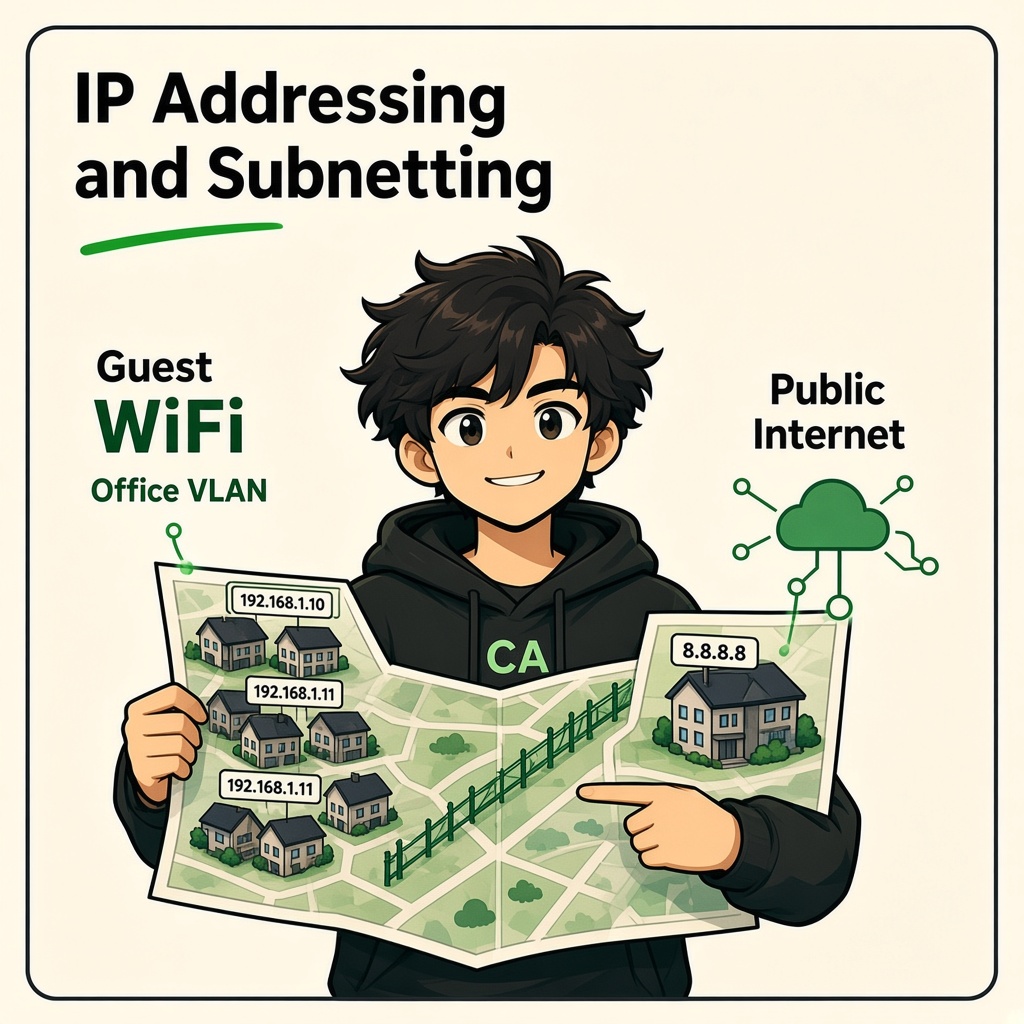
IP Addressing and Subnetting
Course: Network Security
Level: Beginner
Topic: IPv4, Subnet Masks, CIDR, Network Addresses and Network Segmentation
1. Introduction
Every device connected to an IP network needs an IP address to communicate.
For example:
- Your laptop has an IP address.
- Your smartphone has an IP address.
- A college server has an IP address.
- A company printer has an IP address.
An IP address (Internet Protocol address) is a logical address assigned to a network interface. It helps devices communicate across networks.
But imagine a college with 1,000 devices.
Should all 1,000 devices belong to one large network?
Not necessarily.
Organizations divide networks into smaller sections called subnets. This helps manage IP addresses, organize devices, control communication, and improve security.
In simple words:
- IP address = Device's network address.
- Subnet mask = Defines which part identifies the network and which part identifies the host.
- Subnetting = Dividing a network into smaller networks.
- Segmentation = Separating devices and controlling communication between network zones.
2. What Is an IPv4 Address?
IPv4 stands for Internet Protocol version 4.
An IPv4 address contains 32 bits, divided into four groups called octets.
Example:
192.168.1.10
Each octet contains 8 bits and can have a decimal value from 0 to 255.
Example:
| Octet | Decimal value |
|---|---|
| First | 192 |
| Second | 168 |
| Third | 1 |
| Fourth | 10 |
The complete address is 32 bits:
11000000.10101000.00000001.00001010
Each group contains 8 bits.
Why does IPv4 use binary?
Computers process information using binary values:
- 0 = Off
- 1 = On
An IPv4 address contains 32 binary digits.
Because each octet has 8 bits, its maximum decimal value is 255.
The possible values are 0 to 255.
3. Public IP vs Private IP
There are two important categories of IPv4 addresses you should understand.
Private IP Address
A private IP address is used inside private networks such as homes, offices, and colleges.
The three private IPv4 ranges are:
| Private range | CIDR | Common usage |
|---|---|---|
| 10.0.0.0 – 10.255.255.255 | 10.0.0.0/8 | Large organizations |
| 172.16.0.0 – 172.31.255.255 | 172.16.0.0/12 | Business networks |
| 192.168.0.0 – 192.168.255.255 | 192.168.0.0/16 | Home and small office networks |
Examples:
192.168.1.1010.0.0.25172.16.5.20
These addresses are not directly routed across the public internet.
Public IP Address
A public IP address is globally routable on the internet, subject to network routing and provider configuration.
Examples of where public IP addresses are used:
- Public websites.
- Internet-facing servers.
- Cloud services.
- Internet connections provided by ISPs.
Important: A public IP address does not automatically mean a device is accessible from the internet. Firewalls, NAT, routing, and service configuration affect reachability.
4. What Is a Subnet Mask?
A subnet mask identifies which bits of an IPv4 address belong to the network portion and which belong to the host portion.
Example:
IP address: 192.168.1.10
Subnet mask: 255.255.255.0
CIDR notation: /24
In this example:
- Network portion:
192.168.1 - Host portion:
10
The /24 means that the first 24 bits represent the network portion.
The remaining 8 bits represent the host portion.
Understanding a /24 subnet
| Component | Value |
|---|---|
| IP address | 192.168.1.10 |
| Subnet mask | 255.255.255.0 |
| Network address | 192.168.1.0 |
| First usable host | 192.168.1.1 |
| Last usable host | 192.168.1.254 |
| Broadcast address | 192.168.1.255 |
| Total addresses | 256 |
| Traditional usable host addresses | 254 |
The first address identifies the subnet, and the last address is the broadcast address in this traditional IPv4 subnet.
5. What Is CIDR Notation?
CIDR stands for Classless Inter-Domain Routing.
CIDR notation represents how many bits are used for the network portion.
Examples:
| CIDR | Subnet mask | Total IPv4 addresses |
|---|---|---|
| /8 | 255.0.0.0 | 16,777,216 |
| /16 | 255.255.0.0 | 65,536 |
| /24 | 255.255.255.0 | 256 |
| /25 | 255.255.255.128 | 128 |
| /26 | 255.255.255.192 | 64 |
| /27 | 255.255.255.224 | 32 |
| /28 | 255.255.255.240 | 16 |
| /29 | 255.255.255.248 | 8 |
| /30 | 255.255.255.252 | 4 |
For ordinary IPv4 subnets, the number of traditional usable host addresses is generally total addresses minus two.
Some special cases exist, including /31 point-to-point networks and /32 host routes.
Easy way to understand CIDR
/24means 24 network bits./25means 25 network bits./26means 26 network bits./27means 27 network bits.
As the prefix length increases, the subnet becomes smaller and contains fewer addresses.
6. Understanding Network Address, Host Address and Broadcast Address
Consider this subnet:
192.168.1.0/24
It contains 256 IPv4 addresses.
Network Address
192.168.1.0
Identifies the subnet itself.
Usable Host Addresses
192.168.1.1 to 192.168.1.254
These addresses can normally be assigned to devices.
Broadcast Address
192.168.1.255
Used to send a packet to all hosts on that IPv4 subnet.
Remember:
- Network address = Identifies the network.
- Host address = Identifies a device interface within the subnet.
- Broadcast address = Targets all hosts on that subnet.
7. What Is Subnetting?
Subnetting means dividing a larger IP network into smaller logical networks.
Imagine a company has 200 devices.
Instead of placing all devices in one large subnet, the company can create separate subnets for different departments.
Example:
| Department | Network |
|---|---|
| HR | 192.168.10.0/24 |
| Finance | 192.168.20.0/24 |
| IT | 192.168.30.0/24 |
| Guest Wi-Fi | 192.168.40.0/24 |
Each department has its own network.
Communication between these networks can be controlled using routers, Layer 3 switches, and firewall policies.
Why is subnetting useful?
- Organizes devices into logical groups.
- Makes network administration easier.
- Helps manage IP address allocation.
- Supports network segmentation.
- Allows security policies between different network zones.
- Helps limit unnecessary communication between devices.
8. Subnetting Calculation – Step by Step
Let's calculate a simple subnet.
Given:
192.168.1.0/24
We want to divide it into two equal-sized subnets.
Step 1: Understand the original network
192.168.1.0/24
- Network bits = 24
- Host bits = 8
- Total addresses = 256
Step 2: Borrow one host bit
To create two equal subnets, borrow one bit.
New prefix:
/24 + 1 = /25
Step 3: Calculate the new subnet mask
/25 = 255.255.255.128
Step 4: Identify the two subnets
The original /24 is divided into:
| Subnet | Address range | Broadcast |
|---|---|---|
| First | 192.168.1.0 – 192.168.1.127 | 192.168.1.127 |
| Second | 192.168.1.128 – 192.168.1.255 | 192.168.1.255 |
Step 5: Identify usable host ranges
| Subnet | First usable | Last usable | Usable hosts |
|---|---|---|---|
| 192.168.1.0/25 | 192.168.1.1 | 192.168.1.126 | 126 |
| 192.168.1.128/25 | 192.168.1.129 | 192.168.1.254 | 126 |
Now one network has become two smaller networks.
9. Subnetting – Another Example (/26)
Given:
192.168.1.0/26
The subnet mask is:
255.255.255.192
There are 6 host bits remaining.
Total addresses:
2⁶ = 64
Traditional usable host addresses:
64 - 2 = 62
The four subnets inside the original /24 are:
| Subnet | First usable | Last usable | Broadcast |
|---|---|---|---|
| 192.168.1.0/26 | .1 | .62 | .63 |
| 192.168.1.64/26 | .65 | .126 | .127 |
| 192.168.1.128/26 | .129 | .190 | .191 |
| 192.168.1.192/26 | .193 | .254 | .255 |
Each subnet has:
- 64 total addresses.
- 62 traditional usable host addresses.
Easy subnet increment method
For a subnet mask of 255.255.255.192:
256 - 192 = 64
So the subnet starts increase by 64:
- 0
- 64
- 128
- 192
This is called the block size or subnet increment method.
10. Quick Subnetting Formula
For ordinary IPv4 subnets:
Total addresses:
2^(number of host bits)
Traditional usable host addresses:
2^(number of host bits) - 2
Number of subnets created by borrowing bits:
2^(number of borrowed bits)
Example:
A /24 network becomes /27.
- Original host bits = 8.
- New host bits = 5.
- Borrowed bits = 3.
- Number of subnets = 2³ = 8.
- Addresses per subnet = 2⁵ = 32.
- Traditional usable hosts per subnet = 30.
11. What Is Network Segmentation?
Network segmentation means dividing a network into separate security zones and controlling communication between them.
Subnetting provides logical IP network boundaries. VLANs can provide Layer 2 separation. Routers and firewalls can enforce communication policies.
Example: College Network
Imagine a college has:
- Student computers.
- Faculty computers.
- Administration systems.
- Examination servers.
- CCTV cameras.
- Guest Wi-Fi.
A secure design could use:
| Network zone | Example subnet | Access policy |
|---|---|---|
| Students | 10.10.10.0/24 | Internet and approved learning systems |
| Faculty | 10.10.20.0/24 | Faculty resources |
| Administration | 10.10.30.0/24 | Approved administrative systems |
| Examination servers | 10.10.40.0/24 | Restricted access |
| CCTV | 10.10.50.0/24 | Approved camera management systems |
| Guest Wi-Fi | 10.10.60.0/24 | Internet only |
These are illustrative addresses and policies.
Why is this important?
Imagine a student computer becomes infected with ransomware.
If the network is poorly designed, the infected device may be able to communicate with sensitive servers.
With properly designed segmentation and firewall rules:
- Student devices cannot freely access examination servers.
- Guest devices cannot access internal file shares.
- CCTV devices cannot initiate unnecessary connections to finance systems.
- Administrative systems are accessible only to authorized users.
Important: Subnetting alone does not provide complete security. The organization must enforce and monitor access controls between the networks.
12. What Is NAT?
NAT stands for Network Address Translation.
It translates IP address information as packets pass through a network device.
A common example is a home router allowing multiple private IPv4 devices to share one public IPv4 address using NAT with port translation (PAT/NAPT).
Example:
| Device | Private IP |
|---|---|
| Laptop | 192.168.1.10 |
| Phone | 192.168.1.11 |
| Smart TV | 192.168.1.12 |
These devices can share the internet connection through the router.
Remember: NAT is not a replacement for a firewall. It does not automatically provide complete network security.
13. IPv6 – Introduction
IPv6 is the newer version of the Internet Protocol.
It uses 128-bit addresses.
Example:
2001:db8:abcd:0012::1
Why was IPv6 introduced?
IPv4 has a limited address space. The growth of internet-connected devices increased the need for more IP addresses.
IPv6 provides a much larger address space.
Important differences:
| Feature | IPv4 | IPv6 |
|---|---|---|
| Address size | 32 bits | 128 bits |
| Format | Decimal | Hexadecimal |
| Example | 192.168.1.10 | 2001:db8::10 |
| Address capacity | Smaller | Extremely large |
| Broadcast | Supported | No broadcast; multicast is used instead |
IPv6 also has different addressing and network configuration mechanisms. Do not assume every IPv4 concept or security control works exactly the same way in IPv6.
14. Real-World Case Study: NotPetya (2017)
NotPetya was a destructive malware outbreak that spread through interconnected Windows environments and caused major disruption to global organizations.
Several companies, including businesses in shipping and pharmaceutical industries, reported significant operational and financial damage.
What made the incident important?
- Malware spread through enterprise environments.
- Weaknesses in systems and network controls contributed to the impact.
- Connected systems allowed disruption to spread across organizations.
Security lessons
- Keep systems patched.
- Restrict unnecessary network communication.
- Segment critical systems.
- Monitor unusual internal traffic.
- Maintain tested backups.
- Prepare incident response and recovery plans.
Key lesson: A compromised computer should not automatically be able to reach every other computer in an organization.
15. Real-World Case Study: Capital One (2019)
Capital One disclosed a data breach involving information associated with credit card applications.
The incident involved a cloud infrastructure configuration and access-control weakness.
It was not simply a subnetting failure.
What should security teams learn?
- Cloud network boundaries must be configured carefully.
- Access permissions should follow least privilege.
- Cloud identity and access management (IAM) controls are important.
- Sensitive data access should be monitored.
- Cloud configurations should be reviewed regularly.
Cloud networking concepts
In cloud environments, you may encounter:
- VPC (Virtual Private Cloud).
- Public subnets.
- Private subnets.
- Route tables.
- Security groups.
- Network ACLs.
A database should not be exposed publicly unless there is a specific, justified requirement and appropriate protections.
Key lesson: Network boundaries exist in cloud environments too, but identity and permissions are equally important.
16. Practical Lab: Identify Your IP and Subnet
Objective: Understand your own computer's IP configuration.
Use your own device or an authorized lab.
Windows
Open Command Prompt:
ipconfig
Find:
- IPv4 Address.
- Subnet Mask.
- Default Gateway.
Example output:
IPv4 Address:     192.168.1.10
Subnet Mask:      255.255.255.0
Default Gateway:  192.168.1.1
From this example, you can identify:
- IP address:
192.168.1.10 - Prefix:
/24 - Network address:
192.168.1.0 - Broadcast address:
192.168.1.255
Linux
Run:
ip addr
To view network routes:
ip route
Your task
Record the following:
- Your IPv4 address.
- Your subnet mask or prefix.
- Your network address.
- Your default gateway.
- Whether your IP is private or public.
Do not share private network details publicly.
17. Practical Challenge: Design a Small Company Network
Imagine CYNARKS has the following departments:
- Administration: 15 devices.
- Security team: 25 devices.
- Training lab: 40 devices.
- Guest Wi-Fi: 20 devices.
- Servers: 10 devices.
Your task:
- Create a separate subnet for each department.
- Choose an appropriate private IPv4 range.
- Calculate the subnet mask for each department.
- Identify the network address.
- Identify the first and last usable IP.
- Identify the broadcast address.
- Decide which departments can communicate with the servers.
- Make sure guest Wi-Fi cannot access internal systems.
Challenge goal: Build a network that is organized, scalable, and secure.
18. Knowledge Check
Q1. How many bits are present in an IPv4 address?
A. 16
B. 32
C. 64
D. 128
Q2. Which of these is a private IPv4 address?
A. 8.8.8.8
B. 192.168.1.10
C. 1.1.1.1
D. 203.0.113.10
Q3. What does /24 mean?
A. 24 host bits
B. 24 network bits
C. 24 IP addresses
D. 24 subnets
Q4. How many total IPv4 addresses are present in a /26 subnet?
A. 16
B. 32
C. 64
D. 128
Q5. What is the traditional usable host count in a /26 subnet?
A. 32
B. 62
C. 64
D. 126
Q6. What is the primary purpose of subnetting?
A. Increase monitor resolution
B. Divide a network into smaller logical networks
C. Remove IP addresses
D. Disable routers
Q7. Does NAT replace a firewall?
A. Yes
B. No
Answer Key
- B
- B
- B
- C
- B
- B
- B
19. Lesson Summary
After completing this lesson, you should understand:
- IPv4 address structure and binary representation.
- Private IP and public IP addresses.
- Subnet masks and CIDR notation.
- Network, host, and broadcast addresses.
- How to calculate basic subnet ranges.
- How subnetting divides larger networks.
- How network segmentation improves security.
- What NAT does.
- The basic differences between IPv4 and IPv6.
- Why network boundaries matter in enterprise and cloud environments.
Remember: Subnetting helps organize IP networks. Segmentation and access-control policies help protect the systems inside those networks.
Coming Next: MAC Addresses and ARP
In the next lesson, you will learn:
- What a MAC address is.
- The difference between MAC and IP addresses.
- How ARP maps IPv4 addresses to MAC addresses on a local network.
- What happens when two devices communicate on the same LAN.
- How ARP spoofing works conceptually.
- How to recognize and defend against ARP-related network threats.
End of lesson
Quiz · Tasks · Labs
Pass the quiz (≥70%), check off tasks, then mark the lesson complete to earn Foundations badges.
Scenario check
Real situations — apply the lesson logic; avoid pure memorization.
Answer all, then submit1. How many bits are present in an IPv4 address?
2. Which of these is a private IPv4 address?
3. What does `/24` mean?
4. How many total IPv4 addresses are present in a `/26` subnet?
5. What is the traditional usable host count in a `/26` subnet?
6. What is the primary purpose of subnetting?
7. Does NAT replace a firewall?
Lesson tasks
Practice labs
Required labs test this lesson’s skills. Related labs are optional previews.
- RequiredPrivate IP & CIDR PickNetworking
Finish the quiz and tasks to unlock Mark as completed.